
Level Up Your Marketing: Custom Profile Links are Here

In the mobile vending world, your “digital shopfront” can be just as important as the signage on your truck. Whether you’re slingin’ coffees at 6 AM or serving wood-fired pizzas at a wedding, you need to be easy to find and even easier to book.
Up until now, sharing your Vendaly profile meant sending a long, clunky web address that looked more like a serial number than a business name. We knew we could do better for you.
We’re happy to share a new feature on Vendaly that you can now set a Custom URL for your Vendaly business profile.
Why a Custom Link Matters
When you’re chatting with a potential client or a local Council rep, you don’t want to send them a link that looks like
https://app.vendaly.com/vendors/f47ac10b-58cc-4372-a567-0e02b2c3d479
By claiming your custom “slug” (this is the bit after the .com) for example vendors.vendaly.com/your-business-name, you’re doing two
things:
- Building Brand Trust: It looks professional on your business cards, Instagram bio, and your truck or van’s decals.
- Improving Search: It helps search engines understand exactly who you are and what you do.
It’s Not Just a Link—It’s a Digital Business Card
We’ve done the heavy lifting on the backend with connecting your business details, images and info to meta tags.
Have you ever shared a link on WhatsApp or Facebook and it just showed a weird, grey box? We’ve fixed that. Now, when you share your new custom link, Vendaly automatically pulls your business name, description, and profile photo into a clean preview card. Whether you’re pitching to a bride-to-be or a festival organiser, your first impression will be spot on.
Look at the difference for yourself:
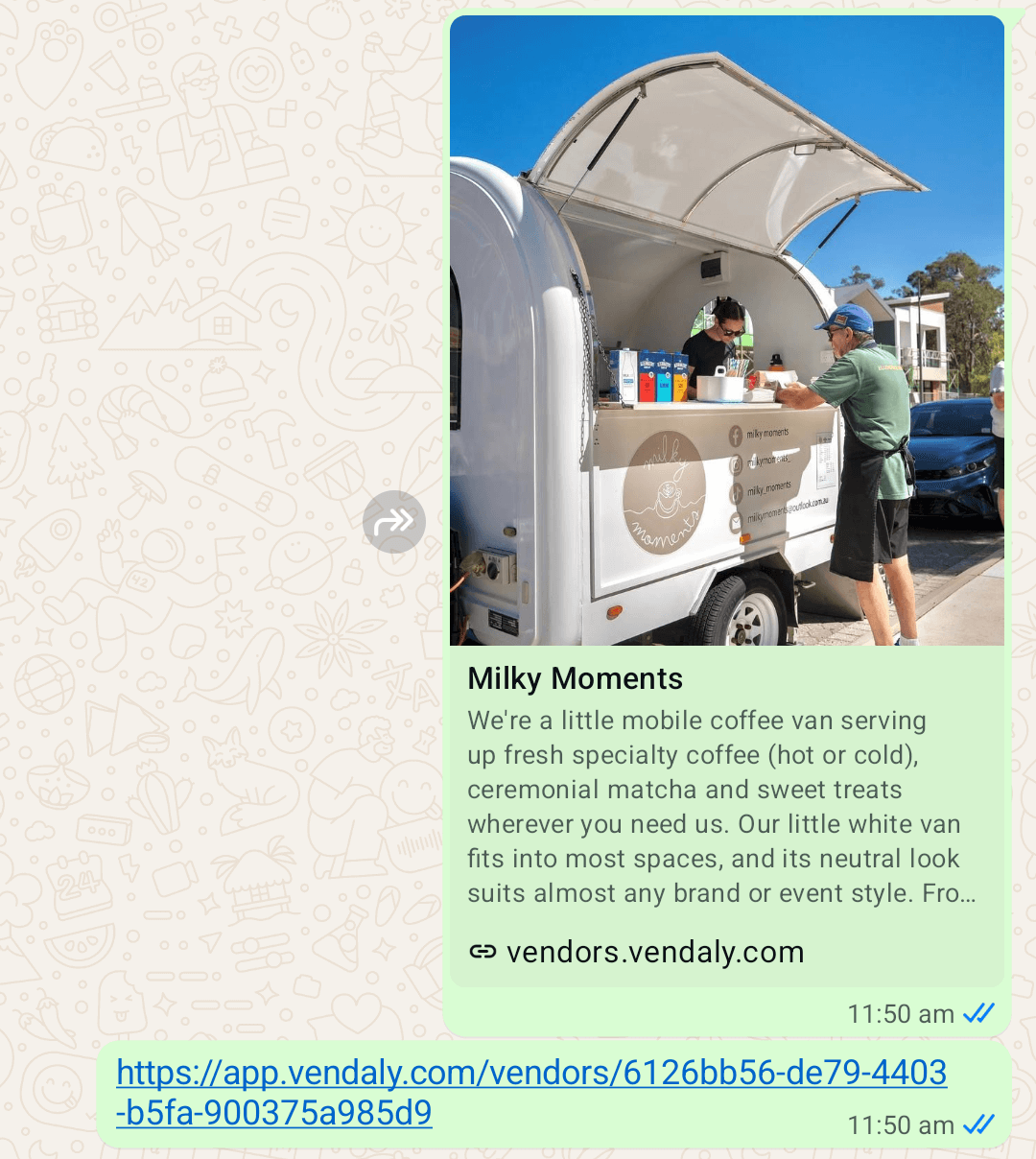
When you share the custom link, you get the great looking “Card” style link. Compare that to the vendor profile link underneath that and you can see the difference immediately. (Shout out to one of our fabulous vendors, Milky Moments, for setting up their profile early!)
How to Set Your Custom Slug
We’ve kept this simple because we know you’d rather be prepping prep-lists than fiddling with tech.
- Log in to your Vendaly account.
- Head to your Business Profile page.
- Look for the “Edit Profile” or “Business Settings” section.
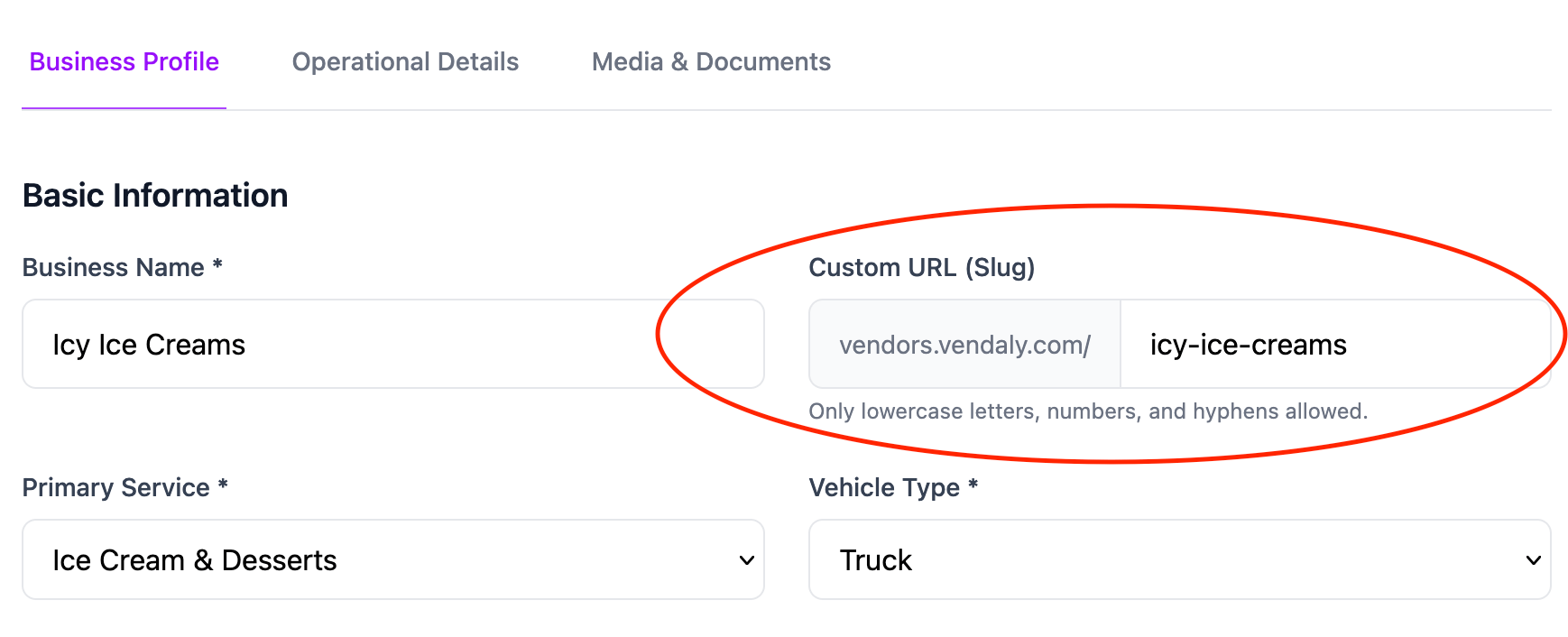
- Find the field labelled “URL Slug” and type in your business name (use dashes between words, like
joes-coffee-van). - Hit Save.
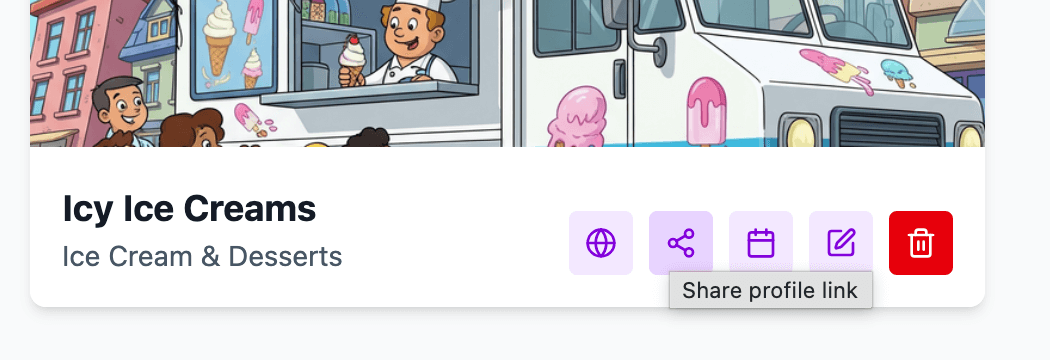
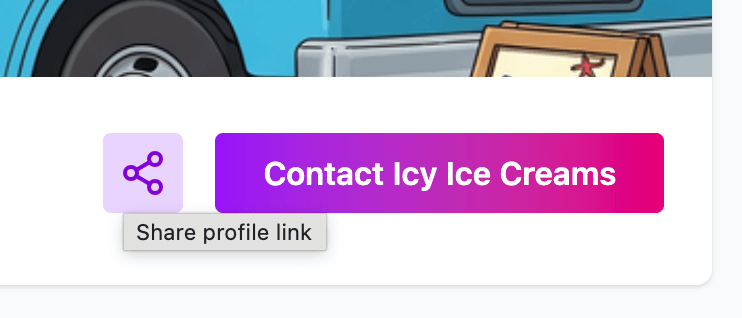
Once it’s saved, your new link is live. You can copy the shareable link directly from your profile page or the business editing dashboard.
Pro Tip: Keep it short and consistent with your social media handles. If your Instagram is @PerthsBestTacos, try to make your Vendaly slug
perths-best-tacos. Consistency makes you much easier to find.
Where to Share Your New Link
Now that you’ve got a clean, professional link, put it to work:
- Social Media Bio: Replace that generic link in your Instagram or TikTok bio.
- Facebook Groups: When someone asks for “recommendations for a food truck for a 21st,” drop your clean link so the preview card pops up.
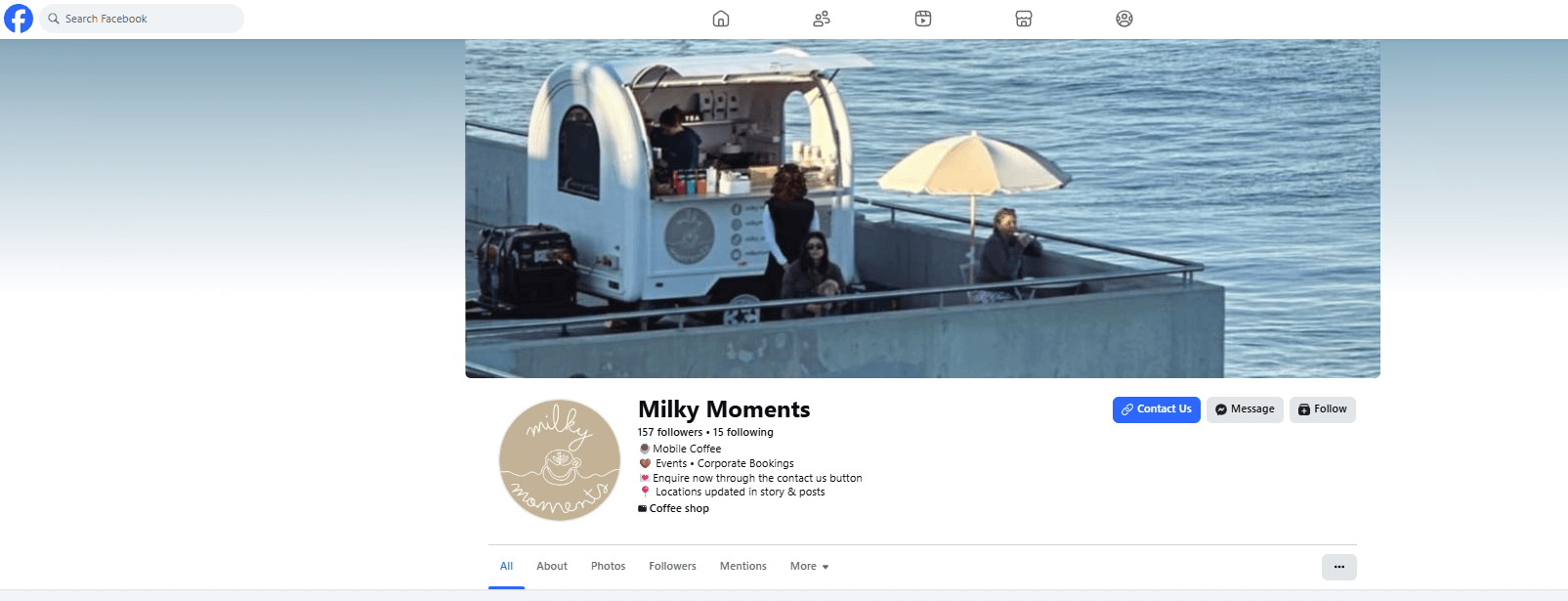
- Facebook: Add a Call to Action Button, like the one here “Contact Us”, that links directly to your profile.
- Facebook and Instagram: “Auto-Response”. Set up your auto responses into the Meta Business Suite, to direct prospective clients to
your Vendaly page.
- Example:
Hi ! Thanks for reaching out 👋 To check my availability and make an enquiry, you can head straight to my Vendaly profile: [INSERT YOUR VENDALY URL] You’ll see all my services and open dates. If you still have questions, feel free to leave them here and I’ll get back to you as soon as I can!
- Example:
- WhatsApp/SMS: Send it directly to clients after an initial phone inquiry.
- Email Signature: Add it under your ABN and contact details.
Real Talk: Claim Yours Before Someone Else Does
Like any platform, these slugs are unique. If there are three “Coffee Hit” vans in Australia, only one can have the coffee-hit slug on
Vendaly.
Jump in today, claim your name, and make it easier for your next big booking to find you.
Ready to claim your spot? Log in to your dashboard now and set your custom URL before the weekend rush hits.
Sign up or jump into your profile now!